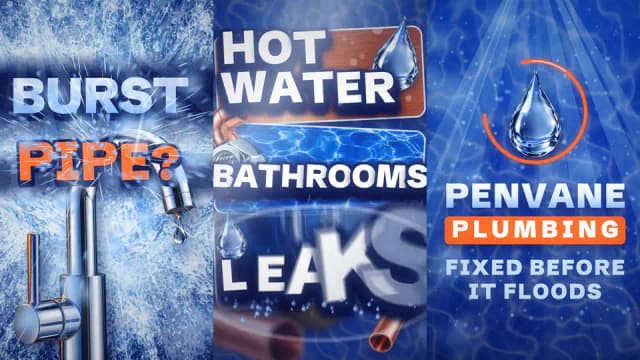
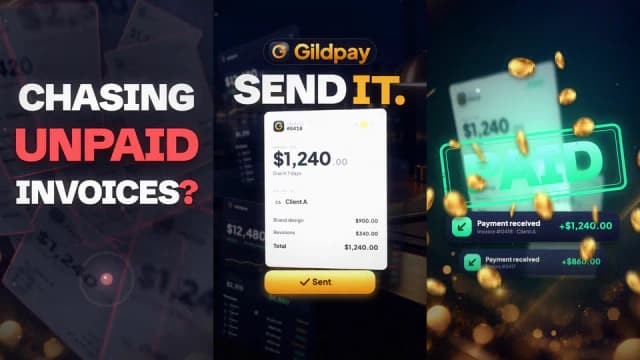
Your paid film is supplied in a vertical format. Before posting or using it in advertising, check the preview, the chosen placement and the platform's current publishing rules.
Before you post
- Download the version without the preview mark after payment.
- Watch it on a phone with sound on and off. Check the business details and captions.
- Choose an appropriate vertical placement, such as Reels, Stories, TikTok or YouTube Shorts. Check the current requirements for that specific organic or paid placement.
- Add a clear post caption and the intended destination or contact route. Test links before you pay to promote the film.
- Add any AI-content or advertising disclosures required for the content and placement. Do not assume an automatic label has covered everything.
- Publish from your business account, or give the film to the agency publishing on your behalf within the usage licence.
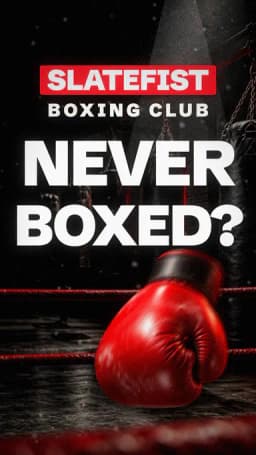 Opening
 Ropes
 Leave fired up
What the licence covers
The licence covers the agreed use for your own business. It is non-exclusive. You may resize the film to fit a placement and add captions; check the Terms before editing it in any other way, reselling it or passing it to another business. Platform approval, media spend and distribution are separate from making the film.
If you cancel
The licence carries on after you cancel, for every film that was delivered and paid for. The page on cancelling and remakes sets out the rest of what happens when a plan ends.
Written by WISER HQ LIMITED, the company behind WiserHQ Studio. Published 5 November 2026.